Consistent classification
Impact, urgency, and a priority matrix mean the same incident language across shifts and teams.
Incident response fails when records live in chat threads. ISMSVision keeps a structured register with the classification model your team agrees—and optional Service Desk intake so reporting is not a separate tool.
Impact, urgency, and a priority matrix mean the same incident language across shifts and teams.
Titles, owners, statuses, major flags, and resolution notes support response and audit follow-up.
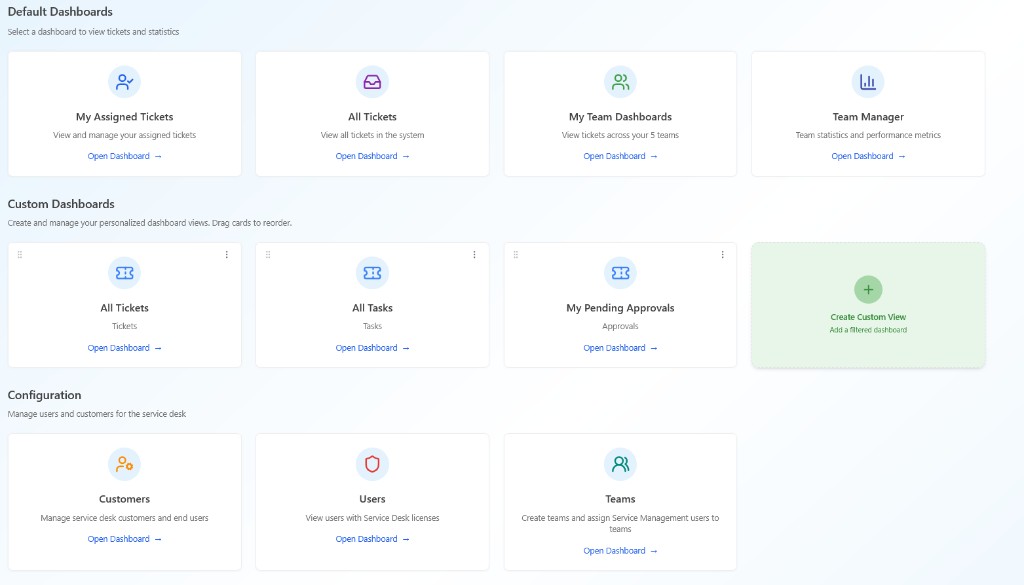
Enable Report Incident for users and the customer portal when you also run Service Management.
Guides: what is incident management · how ISMSVision helps · module pricing.
Create and maintain incidents with title, description, service affected, owner, and major flag.
Configure classification lists and map impact × urgency to priority with colours.
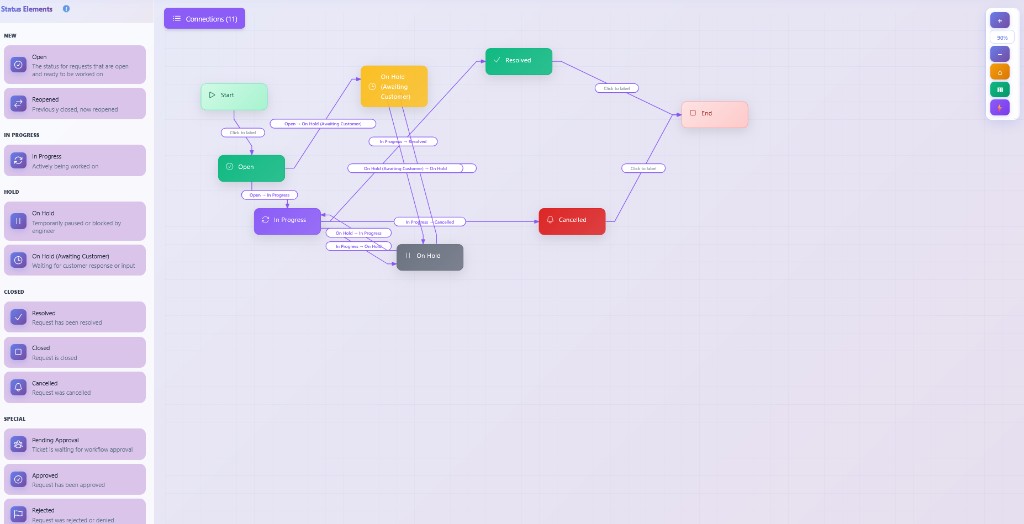
Define lifecycle statuses and turn on reporting for Service Desk users and portals.
Show how incidents were classified, owned, and closed—not a folder of emails.
Matrix-driven priority reduces “is this a P1?” debates mid-incident.
Included with Risk Management— see pricing.
Start a trial on your terms.
Review module pricing, then start a trial—or read our incident management guides on the blog.
View module pricing Start free trialISMSVision Incident Management centres on the information security incident register—classification, priority, status, ownership, and evidence—while optionally enabling Report Incident intake through Service Management when you use that module.
Yes. Define impacts, urgencies, priorities (with colours), statuses, and the impact × urgency priority matrix so classification stays consistent across the organisation.
Incident Management is included with the Risk Management entitlement. Service Desk intake uses your Service Management configuration when that module is enabled. See module pricing for current rates.